
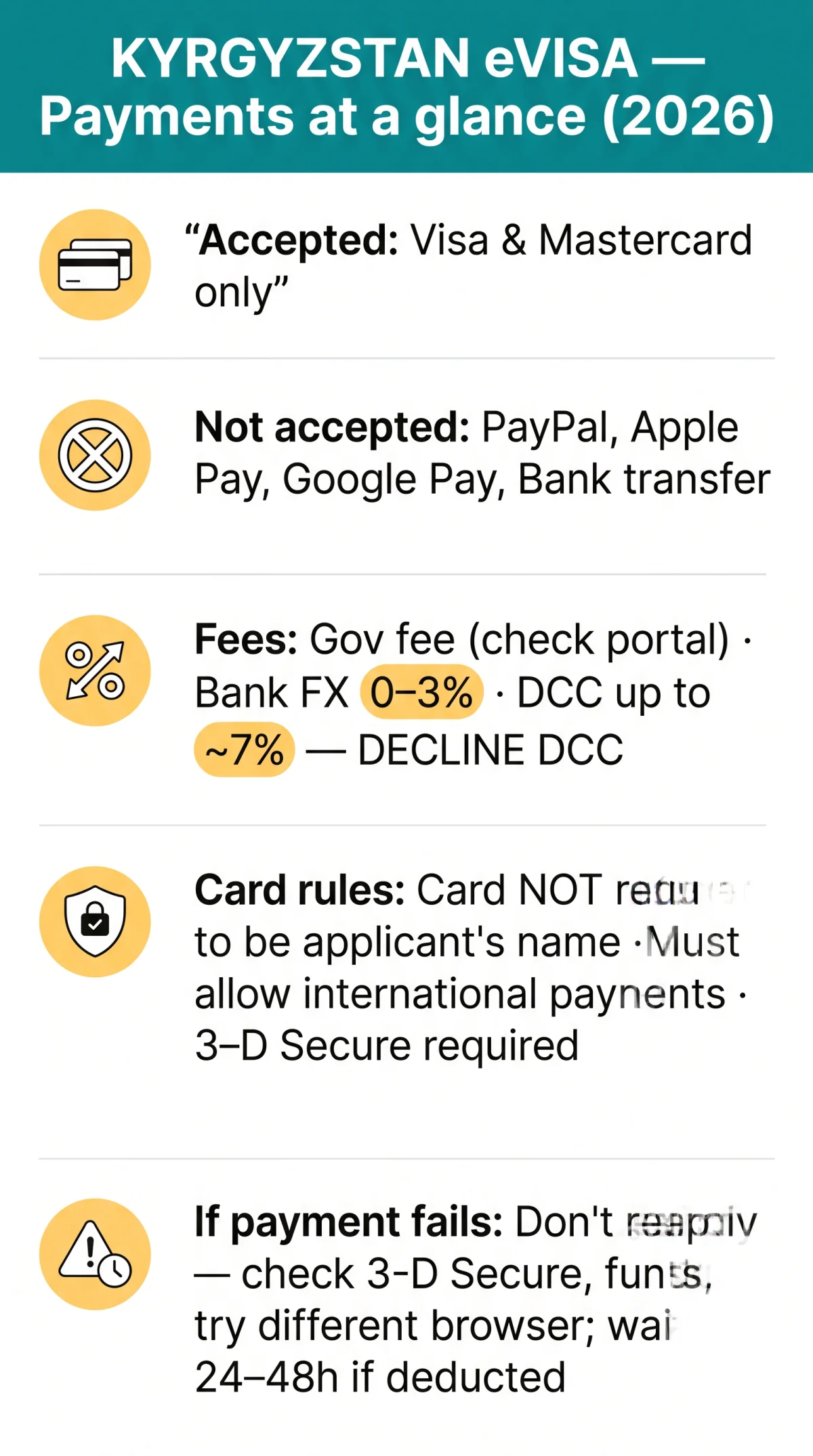
The Kyrgyzstan eVisa payment is made exclusively online via credit or debit card (Visa or Mastercard confirmed) at the evisa.e-gov.kg portal, operated by the Ministry of Foreign Affairs of Kyrgyzstan. The card does not need to be in the applicant’s name but must be open to international payments. PayPal, Apple Pay, Google Pay, and bank transfers are not accepted for the Kyrgyzstan eVisa. UK applicants should account for bank foreign-transaction charges of 0 to 3% and Dynamic Currency Conversion markups of up to roughly 7%. Last updated: 10 September 2026.
Accepted Payment Methods for the Kyrgyzstan eVisa
The Kyrgyzstan eVisa payment methods are limited to online credit and debit card transactions only; PayPal, Apple Pay, Google Pay, and bank transfers are unavailable. Payment must be completed online through the evisa.e-gov.kg portal.
- ✅ Credit card (Visa, Mastercard confirmed)
- ✅ Debit card (Visa, Mastercard confirmed)
- ❌ PayPal
- ❌ Apple Pay
- ❌ Google Pay
- ❌ Bank transfer
Two card requirements apply at checkout. The card does not need to be in the applicant’s name; a family member or friend may pay on your behalf (source: evisa.e-gov.kg). The card must be open to international payments; a card restricted to domestic UK transactions will be declined (source: evisa.e-gov.kg).
Which Card Brands Can You Use for the Kyrgyzstan eVisa?
Visa and Mastercard are confirmed accepted for Kyrgyzstan eVisa payments; American Express, UnionPay, Discover, JCB, and Maestro remain unconfirmed by any source.
| Card Brand | Accepted? | Notes for UK Travellers |
|---|---|---|
| Visa | ✅ Confirmed | Credit and debit variants both work |
| Mastercard | ✅ Confirmed | Credit and debit variants both work |
| American Express | ⚠️ Unconfirmed | – |
| UnionPay | ⚠️ Unconfirmed | – |
| Discover | ⚠️ Unconfirmed | – |
| JCB | ⚠️ Unconfirmed | – |
| Maestro | ⚠️ Unconfirmed | – |
⚠️ Unconfirmed brands: verify on the evisa.e-gov.kg portal before applying.
UK neobank virtual cards from Revolut, Monzo, and Starling should function if they carry a Visa or Mastercard network logo and are open to international payments. Prepaid and business cards are not explicitly addressed by the portal, so confirm compatibility before submitting your application. The card does not need to be in the applicant’s name; a friend or family member can pay on your behalf.
Kyrgyzstan eVisa Transaction Fees and Total Cost in GBP
UK applicants pay the government visa fee plus bank charges itemised below. No source publishes the exact Kyrgyzstan eVisa government fee; verify the current amount on the eVisa portal. Tourist visa fees globally range from $20 to $300 (source: visaguide.world, 2026). No source confirms fee variation by nationality.
| Cost component | Typical amount |
|---|---|
| Government visa fee | Verify on portal (global range: $20 to $300) |
| Processing fee / gateway surcharge | Displayed at checkout |
| Bank foreign-transaction fee | 0 to 3% of transaction value |
| DCC markup (if not opted out) | Up to ~7% |
For a $42 government fee, a 2% bank charge adds roughly £0.68; a 5% DCC markup adds another £1.70, totalling approximately £36.40 in GBP at an exchange rate of £1 = $1.25. The Kyrgyzstan eVisa payment methods charge in USD or KGS, so your bank converts GBP at its own rate. Always decline DCC at the payment gateway and opt to be charged in the local currency to avoid the markup.
Kyrgyzstan eVisa Payment Process: Step-by-Step Guide
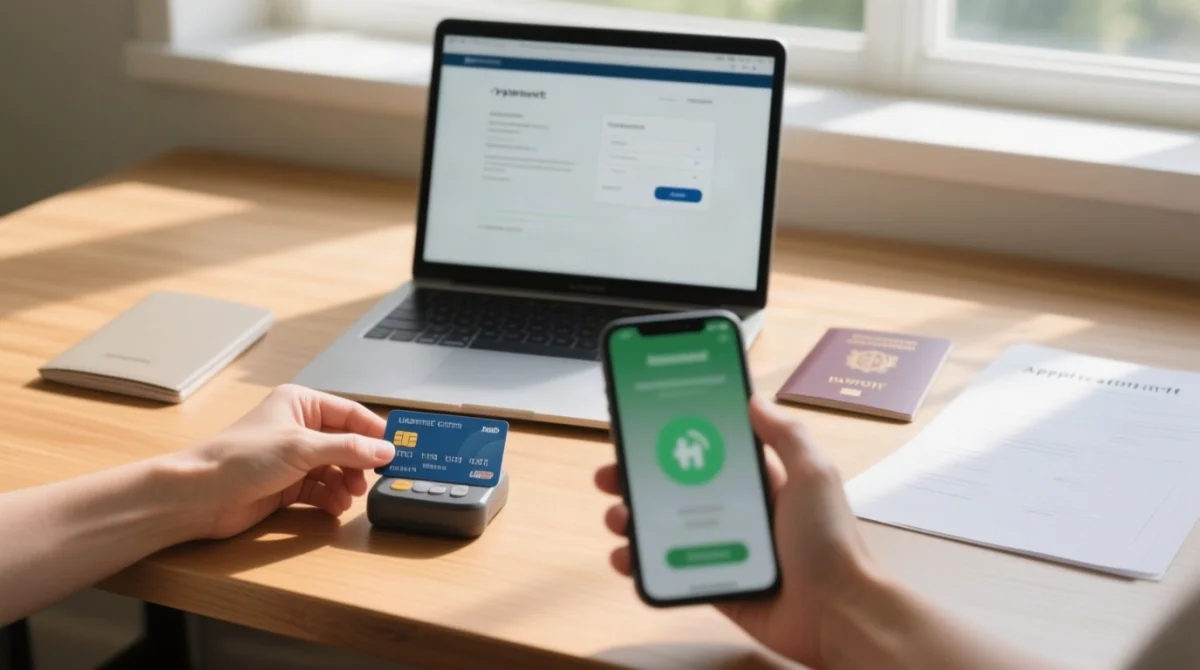
After submitting your application on the evisa.e-gov.kg portal, you are redirected to a secure payment gateway to enter card details and complete 3-D Secure authentication.
Submit your application
Submit on the eVisa portal; the system automatically redirects you to a secure payment gateway.
Enter card details
Use a Visa or Mastercard credit or debit card. The card does not need to be in your name but must be open to international payments.
Complete 3-D Secure / SCA authentication
UK banks such as Barclays, HSBC, Lloyds, and NatWest typically send a push notification to their mobile app or an SMS one-time passcode. Approve the prompt to authorise the charge.
Confirmation page
A success screen appears with your confirmation number once the payment is processed.
Email receipt
A receipt is sent to the address registered on your application.
Complete checkout within the active session; if it expires, resume from your saved draft on the portal.
What Happens If Your Kyrgyzstan eVisa Payment Fails?
If your Kyrgyzstan eVisa payment fails, do not resubmit the application. First check 3-D Secure approval, confirm your card is open to international payments, and verify sufficient funds are available.
Failed payments result from insufficient funds, session timeout, or a declined transaction triggered by your card issuer’s security protocol. If you see an error message at checkout, follow these steps:
Check 3-D Secure (SCA) authentication
Check whether your bank’s authentication was completed. UK banks such as Barclays, HSBC, Lloyds, and NatWest may require app approval or an SMS code.
Confirm your card is open to international payments
Some UK debit cards block overseas transactions by default.
Verify sufficient funds
Verify that sufficient funds are available on the card.
Retry in a different browser
Retry in a different browser or incognito window to rule out cache-related errors.
Contact your bank
Contact your bank to whitelist the evisa.e-gov.kg merchant for international charges.
Wait 24 to 48 hours if deducted but unpaid
If the amount was deducted but your application status shows “unpaid,” wait 24 to 48 hours before contacting Kyrgyzstan eVisa support.
Do NOT resubmit the application
A duplicate submission may trigger a second charge.
Refund Policy, Payment Confirmation, and Time Limits
Government visa fees are typically non-refundable if the Kyrgyzstan eVisa application is denied. For technical failures or duplicate charges, refunds require contacting the portal support team at evisa.e-gov.kg.
Upon successful payment, the Kyrgyzstan eVisa portal displays a confirmation page and sends an email receipt. If the confirmation email does not arrive, check your spam or junk folder before contacting support. A PDF receipt is available for download from the portal, which business travellers can use for expense claims. For refunds of failed or duplicate charges, contact portal support with your confirmation number and card details.
FAQ: Kyrgyzstan eVisa Payment Methods
What credit and debit cards are accepted for Kyrgyzstan eVisa payment?
The evisa.e-gov.kg portal accepts credit and debit cards. Visa and Mastercard are confirmed as accepted. American Express, UnionPay, Discover, JCB, and Maestro are unconfirmed. The card must be open to international payments and does not need to be in the applicant’s name.
How much are the Kyrgyzstan eVisa transaction fees?
No source provides the exact government fee. Tourist visa fees globally range from $20 to $300 (visaguide.world, 2026). UK applicants should expect bank foreign-transaction charges of 0 to 3% and potential DCC markups of up to ~7%. Verify the current fee on evisa.e-gov.kg.
What happens if my Kyrgyzstan eVisa payment fails?
Do not resubmit the application. Confirm 3-D Secure authentication was approved, check that your card is open to international payments, verify sufficient funds, and try a different browser. If the amount was deducted but status shows unpaid, wait 24 to 48 hours before contacting support.
Can I pay for the Kyrgyzstan eVisa with PayPal or Apple Pay?
No. The Kyrgyzstan eVisa portal accepts only online credit and debit card payments. PayPal, Apple Pay, Google Pay, and bank transfers are not available. Use a Visa or Mastercard credit or debit card open to international payments instead.
Do I need to use my own card to pay for the Kyrgyzstan eVisa?
No. The card does not need to be in the applicant’s name. A friend or family member can pay with their own card if it supports international payments and passes 3-D Secure authentication (source: evisa.e-gov.kg).
Will I get a refund if my Kyrgyzstan eVisa payment fails?
Government visa fees are typically non-refundable if the application is denied. Refunds for technical failures or duplicate charges require contacting portal support. If your payment was deducted but status remains unpaid, wait 24 to 48 hours before contacting support.
How do I get a payment receipt for my Kyrgyzstan eVisa?
After successful payment, a confirmation page is displayed and a confirmation email is sent. If the email does not arrive, check your spam folder. The confirmation number serves as your payment receipt for expense claims and record-keeping.
Why was my card declined when paying for the Kyrgyzstan eVisa?
Common reasons include the card not being open to international payments, insufficient funds, incomplete 3-D Secure authentication, the bank flagging the transaction as suspicious, or a session timeout. Contact your bank to whitelist the merchant before retrying.